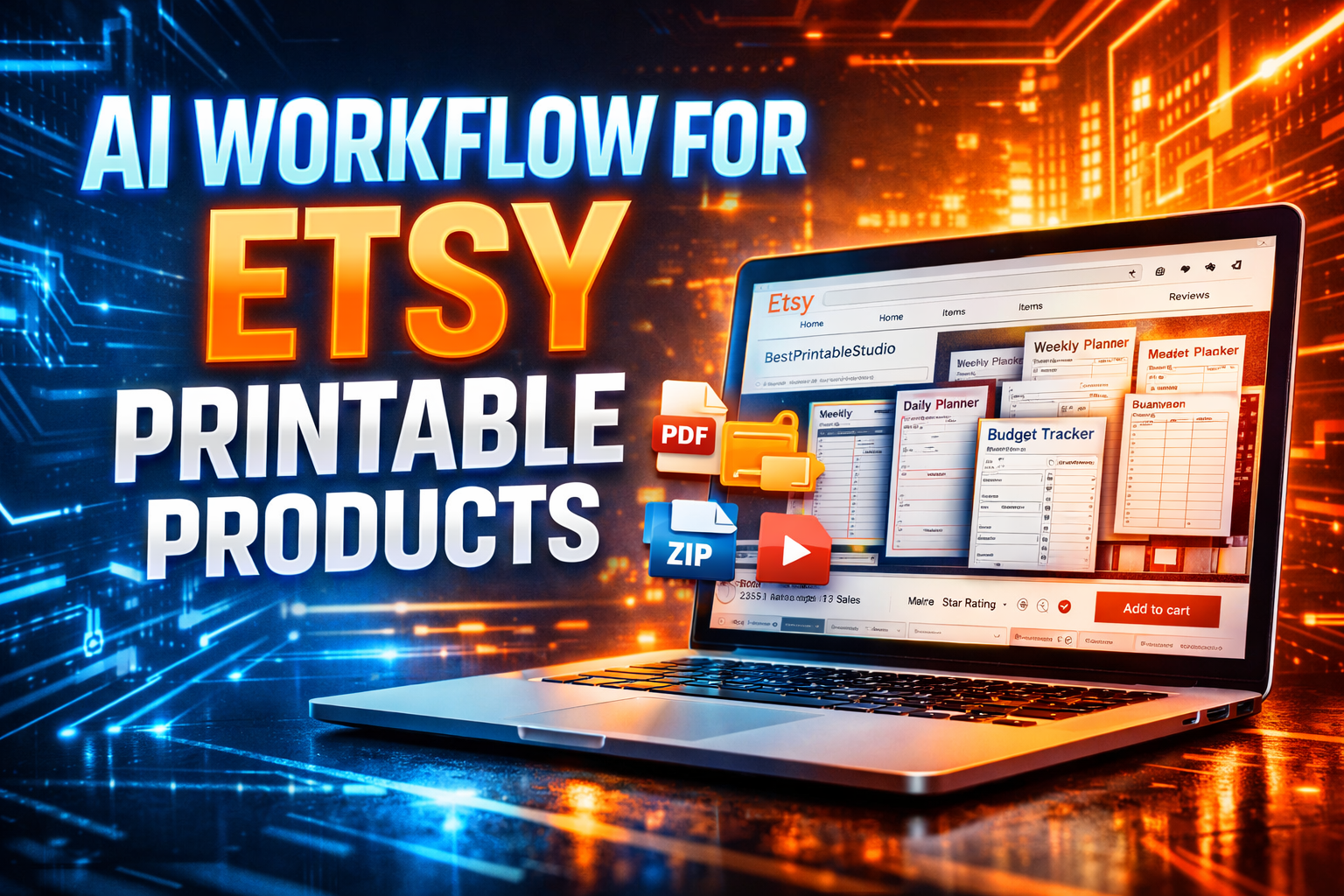
Selling printable products on Etsy has become one of the easiest digital product businesses for beginners. Printable products are digital files that customers download instantly and print at home. These products include planners, wall art, checklists, trackers, templates, and many other useful items.
The interesting part in 2026 is that AI tools have made the process much faster. Instead of spending hours designing layouts or writing content manually, you can now use AI to generate ideas, design products, write descriptions, and even research trending product niches.
This guide explains a practical AI workflow that beginners can follow to create and sell printable products on Etsy step by step. The goal is not just to create random products but to build a system that consistently produces printable items people are searching for.
Why Printable Products Sell Well on Etsy
Printable products are popular because customers can buy them instantly. They don’t need shipping, packaging, or waiting time. They simply purchase, download the file, and print it themselves.
From a seller’s perspective, this model is powerful because you create the product once and sell it multiple times. There is no inventory, no production cost, and very little maintenance once the listing is live.
When combined with AI tools, this business model becomes even more beginner-friendly because AI can help with idea generation, design assistance, and product optimization.
Understanding the AI Workflow
An AI workflow simply means using AI tools at different stages of your business process to save time and improve results.
For printable products, the workflow generally includes idea research, product creation, design enhancement, listing optimization, and marketing. AI tools can support each of these steps.
Once you understand this workflow, you can repeat it to create multiple products and grow your Etsy store.
Step 1: Research Profitable Printable Product Ideas
The first step is choosing a printable product people are already searching for. Instead of guessing, you can use AI to brainstorm niche ideas.
You can ask an AI tool to generate printable product ideas based on common needs. For example, students may need study planners, small business owners may need invoice templates, and parents may want chore charts for children.
You can also observe Etsy search results and combine those insights with AI suggestions to refine your product concept.
The goal here is to identify products that solve practical problems.
Step 2: Plan Your Printable Product Structure
Once you have an idea, you need to plan the pages or elements of the printable product.
For example, if you want to create a budget planner printable, it might include monthly budget pages, expense trackers, savings goals, and financial overview sheets.
AI can help structure these sections and suggest additional page ideas you may not have considered.
Planning before designing ensures your printable product is organized and useful.
Step 3: Create Printable Designs Using AI Assisted Tools
After planning the product structure, the next step is creating the actual printable design.
Design tools with AI features can help you generate layouts, color palettes, and typography suggestions. These tools simplify the design process for beginners who don’t have graphic design experience.
When designing printable products, keep the layout simple and clean. Printable pages should be easy to read and easy to print on standard paper sizes such as A4 or US Letter.
Avoid overly complex graphics because functionality is more important than decoration.
Step 4: Enhance Visual Elements with AI Graphics
Some printable products benefit from small design elements such as icons, borders, or illustrations.
AI image generators can create simple graphics that match the theme of your printable product. For example, a fitness planner might include small health icons, while a wedding planner might include decorative floral elements.
These visuals improve the professional look of the product without requiring advanced illustration skills.
Step 5: Write an Etsy Listing That Converts
A good product alone does not guarantee sales. Your Etsy listing must clearly explain the value of your printable product.
AI writing tools can help generate product titles, descriptions, and keyword ideas. The key is to highlight the problem your printable solves and who it is designed for.
A strong listing description usually explains how the printable works, who should use it, what pages are included, and how the customer can download and print it.
Clear explanations build trust and increase the chances of conversion.
Step 6: Upload and Optimize Your Etsy Listing
After preparing your printable file and product description, upload the product to your Etsy store.
Choose a clear title and use relevant keywords so that your listing appears in Etsy search results. Upload preview images that show how the printable looks when printed.
Many successful sellers create mockup images showing the printable inside a notebook or on a desk. This helps buyers visualize the product in real life.
AI tools can also help generate listing keywords and improve descriptions to increase search visibility.
Realistic Income Expectations
Printable product businesses grow gradually. In the beginning, you might see a few sales per week as your listings start appearing in Etsy search results.
As you add more printable products to your shop and optimize your listings, the store begins to gain traction.
Many sellers eventually build stores with dozens of printable products that generate consistent passive income each month.
Success usually comes from consistency rather than one viral product.
Beginner Action Plan
The best approach for beginners is to focus on creating one high quality printable product first.
After launching your first listing, analyze how people respond. Improve your design, description, or pricing if needed.
Once you understand what works, repeat the same AI workflow to create additional printable products.
Over time, your shop becomes a library of useful resources that customers can discover.
Common Beginner Mistakes
One common mistake is copying existing Etsy listings without improving them. If your product looks identical to others, it becomes difficult to stand out.
Another mistake is creating overly complicated printable designs. Printable products work best when they are simple and practical.
Some beginners also forget to test their printable files before selling them. Always print your product once to make sure the layout and margins look correct.
Scaling Your Printable Product Business
Once your store begins receiving sales, you can scale the business by expanding your product range.
You can create seasonal printables, bundle related products together, or offer niche specific planners.
Bundles often perform well because they provide more value and increase the average order price.
You can also build an audience on social media or Pinterest where printable products perform particularly well.
Over time this turns a simple printable shop into a reliable digital product income stream.
Conclusion
Creating and selling printable products on Etsy using AI tools is one of the most beginner-friendly online businesses in 2026.
AI helps speed up the creative process, reduces design barriers, and allows beginners to experiment with multiple product ideas quickly.
If you focus on solving real problems, creating clear printable designs, and improving your listings over time, this model can become a sustainable digital product business.
Start small, learn from feedback, and gradually expand your printable product catalog.
FAQ’S
Printable products are digital files that customers download and print themselves after purchasing from an Etsy store.
No. AI design tools and beginner friendly design platforms make it easy to create printable products without advanced design skills.
Popular printable products include planners, habit trackers, budget sheets, wedding planners, and classroom resources.
Income varies depending on product quality and marketing, but many beginners gradually build consistent sales as they expand their product catalog.
Yes. AI tools can assist with idea generation, design suggestions, and writing product descriptions.