Freelancing in 2026 is no longer limited to people with advanced technical skills. Today, beginners are entering freelancing faster because AI tools are doing the difficult work load into wonders. The real opportunity is not in knowing everything, but in knowing how to use the right AI tools for the right task.
If you are new to freelancing and do not know where to start, this guide will show you practical freelancing skills and the exact AI tools you can use to begin.
Why AI Tools Make Freelancing Easier for Beginners
In the past, beginners failed in freelancing because work took too long or quality was inconsistent. AI tools solve these problems by helping you work faster, generate ideas, and improve output quality.
Clients are not paying for effort. They are paying for results. If AI helps you deliver results efficiently, it becomes your competitive advantage.
Step 1: Start with AI Content Writing (Best for Beginners)
AI content writing is the easiest freelancing skill to start with because demand is high and learning curve is low.
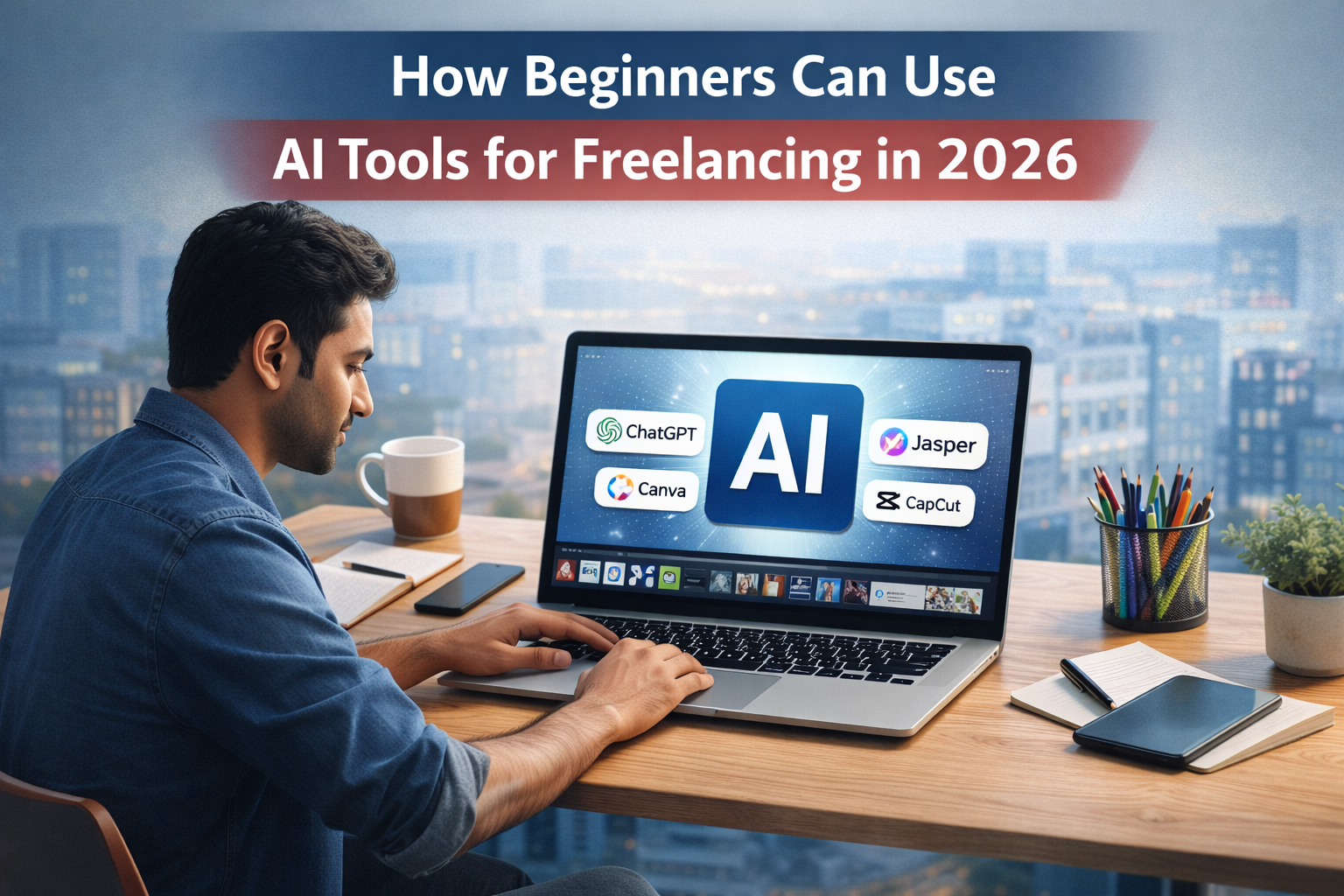
You can use tools like ChatGPT, Jasper, and Writesonic to create blog posts, website content, emails, and marketing copy.
ChatGPT is ideal for generating ideas, outlines, and first drafts. Jasper and Writesonic are helpful for more structured marketing and SEO-focused content. As a beginner, your job is not to copy content directly, but to edit, simplify, and humanize it.
This skill is perfect for blogging, freelance writing, and content services for small businesses.
Step 2: Offer AI Graphic Design Services
Graphic design no longer requires mastering complex software. AI design tools allow beginners to create clean and professional visuals quickly.
Tools like Canva and Midjourney are beginner-friendly. Canva is excellent for social media posts, thumbnails, banners, and simple branding. Midjourney can help generate creative images and visuals for content and marketing.
As a beginner, focus on clarity, spacing, and readable designs. Businesses prefer simple designs that communicate messages clearly rather than complex artwork.
This skill works well for freelancing and social media management services.
Step 3: Use AI Tools for Video Freelancing
Video content demand is growing rapidly, especially short-form videos. AI tools allow beginners to create videos without cameras or advanced editing skills.
You can use CapCut for simple editing and subtitles, and Pictory to convert text or blog content into videos automatically.
With these tools, beginners can offer short video creation, social media clips, and basic YouTube videos. The focus should be on clear messaging, not perfection.
Step 4: AI Research and Virtual Assistance
Many clients need help with research, summaries, and content organization. This is where AI-powered research skills are useful.
Using ChatGPT along with tools like Notion AI, beginners can summarize articles, prepare reports, and organize information efficiently.
This skill is suitable for virtual assistant roles, content creators, and online businesses. It is less competitive and more stable compared to creative freelancing.
Step 5: Create a Simple Portfolio Using AI Work
You do not need a professional website at the start. Create sample work using the tools you choose.
For example:
- Write 2–3 blog posts using ChatGPT
- Design 4–5 social media posts using Canva
- Create 1 short video using CapCut or Pictory
These samples show clients what you can deliver. AI-supported work is acceptable as long as quality is good.
Step 6: Start Freelancing on the Right Platforms
Once you have samples, create profiles on platforms like Fiverr and Upwork.
Instead of offering many services, focus on one clear service. Explain how you use AI tools to save time and deliver faster results. This positioning helps beginners stand out.
Step 7: Improve Slowly and Stay Consistent
AI tools help you start faster, but freelancing success depends on consistency. Work daily, even if it is only one hour. Improve your prompts, editing skills, and communication over time.
Avoid jumping between skills. Master one skill first, then expand.
AI tools have removed many barriers for beginners in freelancing. If you choose one skill, use the right AI tools, and practice consistently, you can start freelancing without confusion.
You do not need to be perfect. You need clarity, patience, and the right tools.
If you want to learn more about AI tools and online earning, visit our homepage for step-by-step guides.
Beginners who want a clear starting point should first understand online earning with AI tools before learning advanced skills.
FAQ’s
Yes, beginners can start freelancing using AI tools because these tools reduce learning time and help improve work quality. With consistent practice, beginners can deliver real value to clients.
ChatGPT is best for content writing and research, Canva is ideal for graphic design, and CapCut is useful for video editing. These tools are beginner-friendly and widely used.
Yes, clients accept AI-assisted work as long as it is useful, original, and high quality. Clients care more about results than the tools used.
Most beginners can start getting small projects within 30 to 60 days if they stay consistent and focus on one skill.
Yes, freelancing with AI is sustainable if you keep improving your skills and adapt to new tools. AI supports freelancers rather than replacing them.