Creating content for both a blog and YouTube can feel overwhelming for beginners. Most people think they need separate ideas, scripts, and workflows for each platform. This confusion often stops people from starting at all.
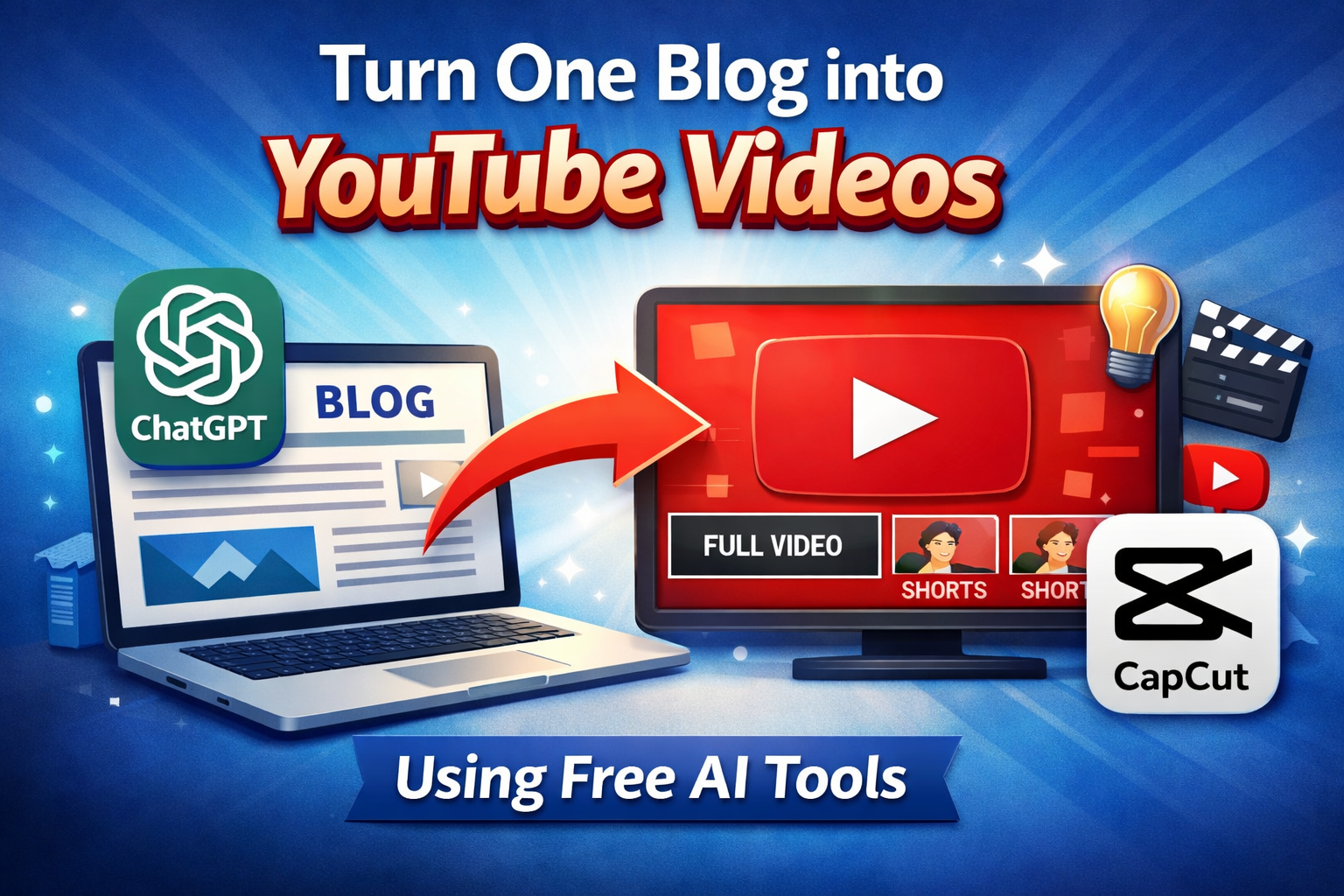
But in reality, one blog can easily be turned into multiple YouTube videos using free AI tools. You do not need editing skills, a camera, or expensive software. You only need a simple system and the right tools.
This guide will show you a practical step-by-step method to turn one blog into YouTube videos using free AI tools.
Why One Blog = Multiple Videos
A blog already contains:
- Structure
- Ideas
- Knowledge
- Value
So instead of creating new content again, you reuse the same content in different formats.
One blog can become:
- One long YouTube video
- 2–3 YouTube Shorts
- Multiple social clips
This is called content repurposing, and it is how smart creators grow faster with less effort.
Step 1: Break Your Blog into Video Sections
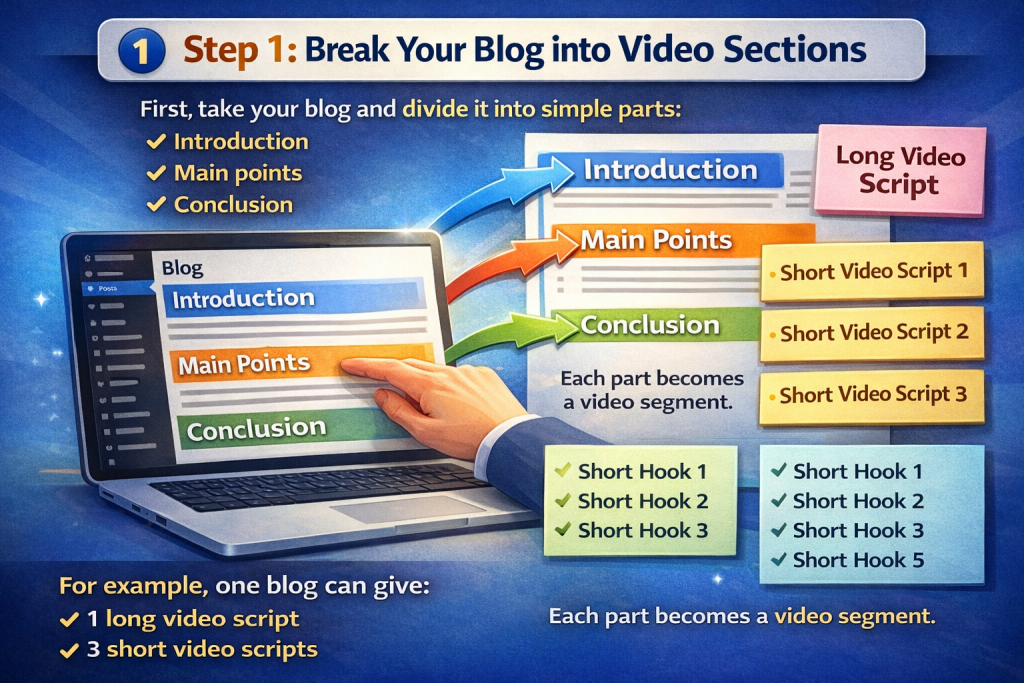
First, take your blog and divide it into simple parts:
- Introduction
- Main points
- Conclusion
Each part becomes a video segment.
For example, one blog can give:
- 1 long video script
- 3 short video scripts
- 5 short hooks
You are not creating new content — you are restructuring existing content.
Step 2: Convert Blog Text into a Video Script (Free Tool)
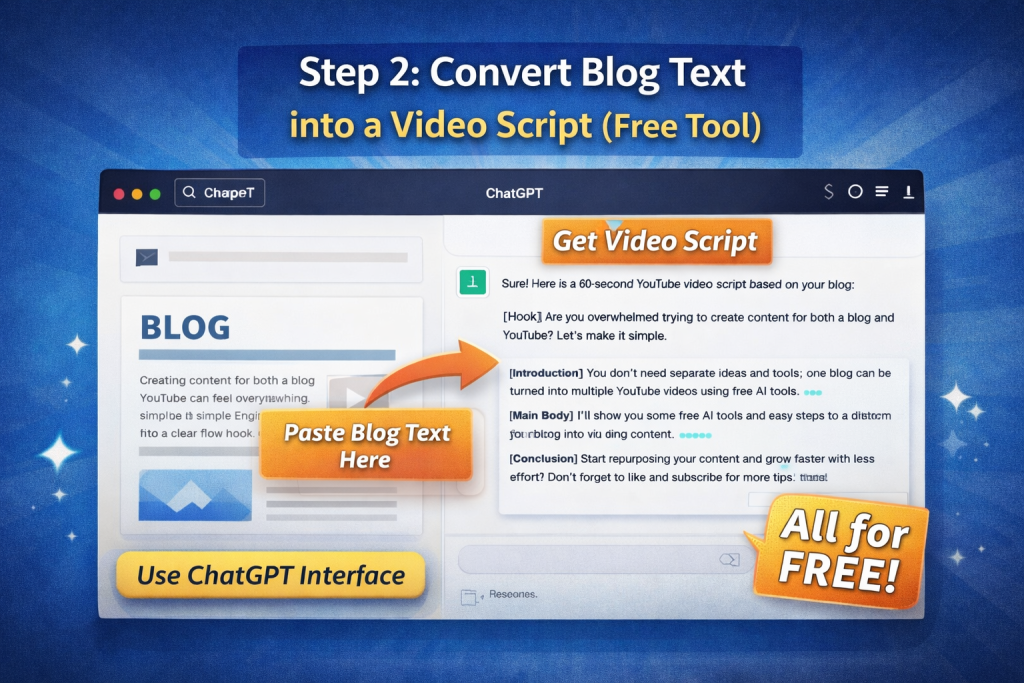
Use ChatGPT (free version) to convert your blog into video format.
Simple prompt:
Convert this blog into a 60-second YouTube video script in simple English with a clear flow and strong hook.
This instantly gives you a voiceover-ready script.
Step 3: Create Voiceover for Free
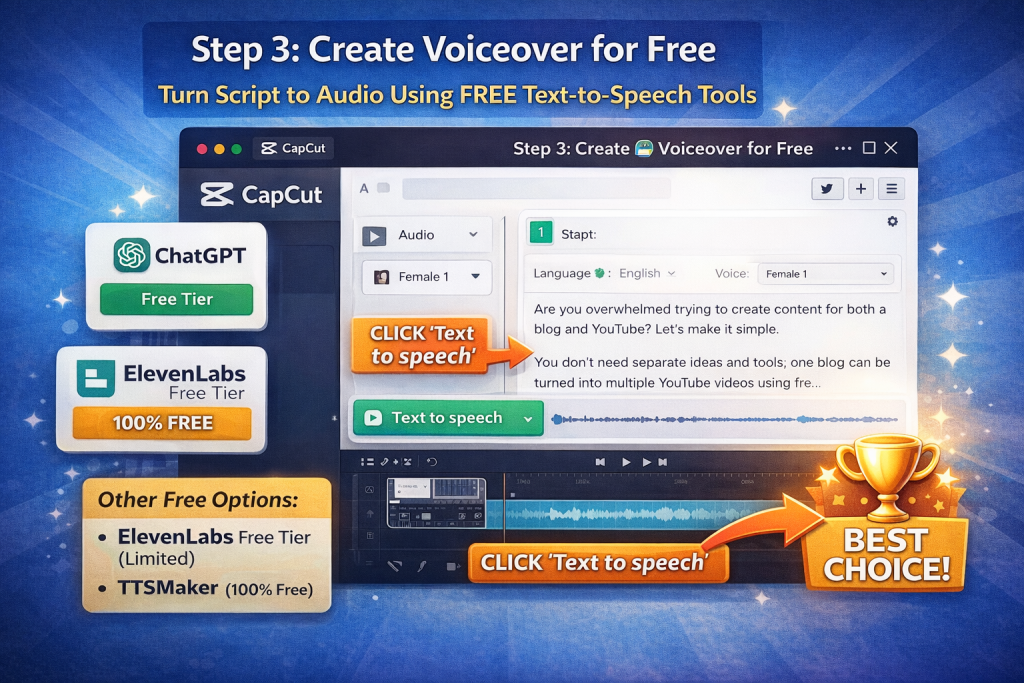
Now turn the script into audio.
Best free options:
- CapCut (AI voice – free)
- ElevenLabs free tier (limited)
- TTSMaker (100% free text-to-speech website)
CapCut is best because it also handles video editing and captions.
Step 4: Generate Visuals Without Filming
You do NOT need AI-generated cinematic videos.
Use:
- CapCut stock videos (free)
- Workspace clips
- Laptop typing clips
- Desk setup clips
- Screen recordings
These look natural and trustworthy for educational content.
This is much better than fake AI visuals.
Step 5: Auto Captions (Free)
In CapCut:
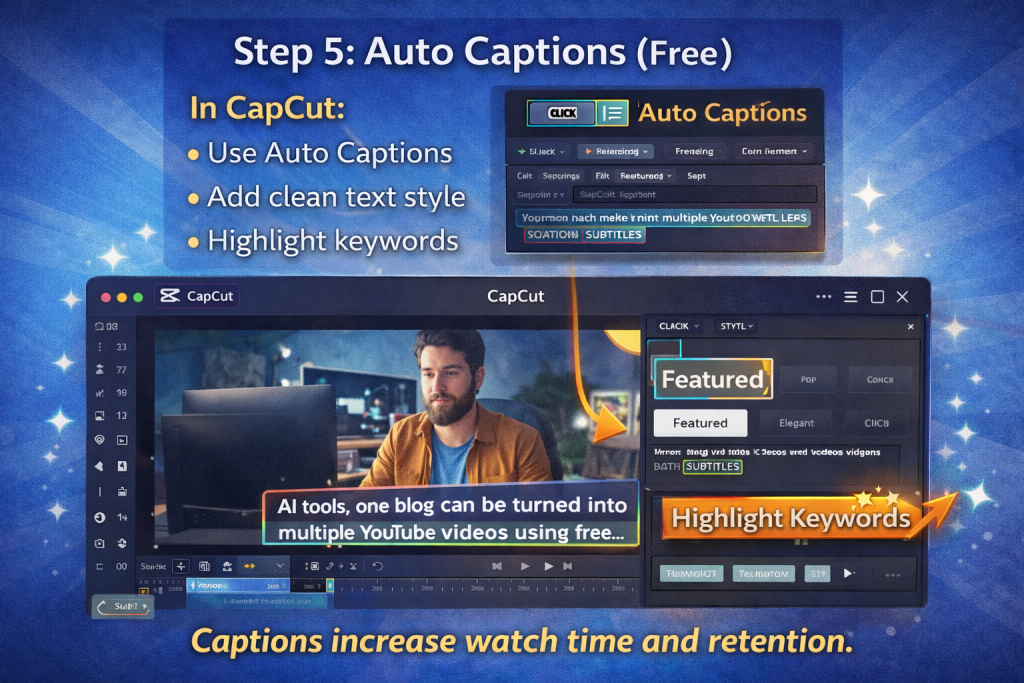
- Use Auto Captions
- Add clean text style
- Highlight keywords
Captions increase watch time and retention.
Step 6: Create Multiple Videos from One Blog
From one blog you create:
Long Video:
- 60–90 seconds
- Full explanation
Shorts:
- 30 sec version
- 15 sec hook version
Same content, multiple formats.
Practical Tool Stack (All Free)
Here is a simple system:
- ChatGPT → script creation
- CapCut → voice + video + captions
- YouTube → publishing
- Canva → thumbnails
Zero investment system.
Example Workflow (Real Life Use Case)
You write one blog on your website.
Then:
- Paste blog into ChatGPT
- Get short video script
- Paste script into CapCut
- Generate AI voice
- Add stock clips
- Auto captions
- Export
- Upload to YouTube
- Link blog in description
Same content = blog traffic + YouTube traffic.
Why This System Works for Beginners
- No camera needed
- No editing skills needed
- No money required
- No burnout
- No confusion
It creates a content ecosystem:
Blog → YouTube → Website → Trust → Growth
Common Mistakes to Avoid
- Creating new content for every platform
- Overusing AI visuals
- Focusing on effects instead of clarity
- Being inconsistent
- Overthinking quality at start
If you want to learn more about AI tools and online earning, visit our homepage for step-by-step guides.
Beginners who want a clear starting point should first understand online earning with AI tools before learning advanced skills.
FAQ’s
Yes, beginners can easily turn one blog into YouTube videos by breaking the blog into sections and using free AI tools for scripts, voiceovers, and visuals.
No, beginners can use free tools like ChatGPT for scripts and CapCut for voiceovers, captions, and video editing without any investment.
One blog can be turned into one long video, two to three short videos, and multiple YouTube Shorts by repurposing the same content.
Yes, this method helps grow blog traffic and YouTube views together because both platforms support each other through content reuse.
Yes, this system is designed for beginners and does not require editing skills, a camera, or technical knowledge.