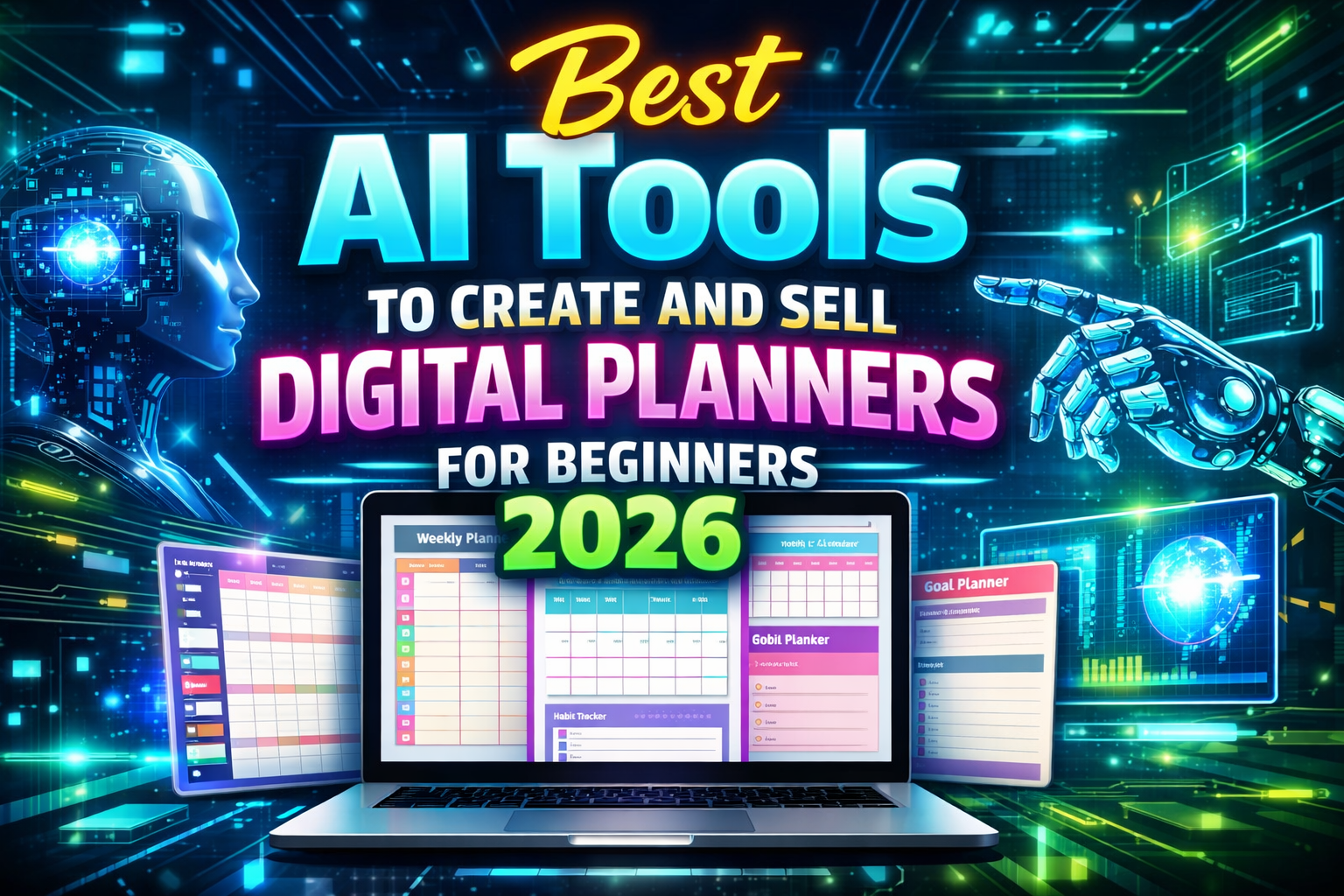
If you’ve ever thought about selling digital planners online but felt overwhelmed by design tools or tech jargon, this guide is your roadmap. In 2026, digital planners are booming: people use them for productivity, journaling, habit tracking, studying, budgeting, business planning, and more. What makes this model especially exciting is that beginners can create and sell digital planners without advanced design skills, thanks to AI tools that simplify creation, design, automation, and even marketing.
In this blog you’ll learn exactly what tools to use, how to make planners step-by-step, how to test your ideas, where to sell, realistic earning expectations, common mistakes to avoid, and how to scale once you get traction.
Why Digital Planners Still Sell in 2026
Digital planners are evergreen products. Unlike trend-based items, planners solve everyday problems: organizing time, setting goals, tracking habits, planning projects, or managing finances. People are willing to pay for tools that save them time and help them get organized. With AI tools today, anyone can design professional planners without needing Photoshop or Illustrator skills.
AI tools speed up creation, help with layout suggestions, generate cover designs, aid typography, produce printable pages, and even help write planner descriptions that convert buyers into customers.
For beginners, this model is low investment, low risk, and holds long-term potential because once a planner is created, it can be sold repeatedly without inventory or shipping.
Who This Is For
This strategy works best for:
- Beginners with no design or tech skills
- Freelancers looking to add a digital product income stream
- Students and creatives with planning experience
- Anyone willing to learn AI tools for revenue
You don’t need coding skills. You don’t need a store or inventory. You just need clarity on tools and a workflow. Let’s begin.
Step 1: Choose Your Planner Niche and Purpose
Before opening any AI tool, decide what type of planner you want to create and who it’s for.
Common planner categories include:
- Daily or weekly planners
- Budget planners
- Fitness or health trackers
- Study or academic planners
- Business project planners
- Habit trackers
- Goal-setting planners
Choosing a specific niche (like “Academic Planner For Students” or “Budget Planner For Freelancers”) helps you target buyers more easily and rank better in marketplace search results.
Step 2: Brainstorm Digital Planner Layout Ideas
Once your niche is chosen, brainstorm the actual planner sections. For example, a budget planner might include:
- Expense tracker
- Monthly budget overview
- Savings goals
- Category spend charts
You can do this brainstorming yourself, or you can ask an AI tool like ChatGPT to suggest planner page ideas in natural language. For example, prompt:
“Give me 15 sections for a budget planner for beginners with printable page ideas.”
This helps you create a full planner structure before designing pages.
Step 3: Choose the Right AI Tools for Creation
Now that you know what pages you want, it’s time to create the planner. Below are the best AI tools for beginners:
ChatGPT
ChatGPT can help you write planner page text instructions, content explanations, titles, tips, and descriptions. It won’t design visuals but helps you produce meaningful written content inside planner pages and product listing descriptions.
For example, ask ChatGPT:
“Write a planner page text that explains how to use a weekly habit tracker.”
Canva AI
Canva has one of the most beginner-friendly interfaces for graphic design. With AI tools inside Canva, you can:
- Generate layouts automatically
- Use AI writing tools for page labels
- Apply magic design templates
- Use drag-and-drop features to organize elements
- Generate images or icons using AI
This simplifies digital planner creation even if you have no design experience at all.
AI Image Generators
AI image generators like Midjourney, Leonardo AI, or built-in Canva AI can help you create:
- Cover designs
- Icons and illustrations
- Unique planner graphics
- Themed background visuals
Choose styles that match your niche. For example, a pastel theme works well for lifestyle planners, while bold minimal designs appeal to business planners.
Step 4: Create Your Planner Pages
Open Canva or your preferred editor and start building pages using your structure.
Use clear headings like “Monthly Goals,” “Habit Tracker,” or “Notes.” Keep designs clean and readable. AI tools can help you choose color palettes, fonts, and consistent layout templates so your planner looks professional.
While building, continuously test spacing, margins, and readability. For digital planners meant for tablet use, ensure buttons and boxes are easy to tap and write in.
Step 5: Write High-Converting Product Descriptions
Once your planner is ready, you need a description that converts. You can use an AI writing tool to help with this.
Ask the tool to write a description that includes keywords like “printable planner,” “digital planner for beginners,” “instant download,” or “editable planner template.”
This helps in marketplaces like Etsy where keyword relevance affects search ranking.
Step 6: Choose Selling Platforms
There are two main ways to sell:
First is using a marketplace like Etsy or Creative Market, which already has buyers searching for planners. Etsy is especially strong for planners because people search for “2026 planners,” “printable planners,” or “budget planners” directly.
Second is selling on your own website using Gumroad or Shopify. This gives you full control over pricing and customer data but requires marketing effort.
Beginners often start with Etsy because it requires less technical setup and brings organic search traffic.
Realistic Income Expectations for Beginners
When you first upload your planner, expect slow traction at first. Listings take time to rank.
In your first month, you might sell 1–3 planners per week. If your price is $9 to $19, this can bring consistent side income. With multiple planners and improved listings, you can grow to $300–$1000 per month realistically within 3–6 months.
This is not overnight income, but a steady and scalable product business.
Common Beginner Mistakes
Many beginners make the mistake of creating too many pages without a clear purpose. Too much clutter reduces usability. Also, some sellers use generic titles or descriptions, so customers can’t find their planners in marketplace search.
Another mistake is ignoring user feedback. If customers request specific additions or small changes, incorporate those in updated versions.
Finally, some beginners skip product testing. Always view your planner on multiple devices to ensure it works well on tablets and phones if you plan digital exports.
Scaling Strategy
Once your first planner starts selling, build related products. For example, if you sold a “Weekly Planner,” create a “Monthly Goals Planner,” a “Habit Tracker Pack,” or seasonal planners (summer, back to school, holiday planning).
You can bundle similar planners together and sell a “planner bundle” at a higher price.
You can also repurpose planner designs into digital sticker packs, printable sets, and accessory templates.
Once you build 5-10 quality products, you’ll have a small but evergreen catalog that brings regular income.
Conclusion
For beginners in 2026, creating and selling digital planners using AI tools is a practical earning model.
You learn a real skill, use affordable or free tools, and create products people are searching for every day.
Start with one clear niche, validate your idea, create a useful planner with AI help, write a strong listing description, and choose a marketplace wisely. Keep improving and expanding your product catalog over time.
This is how a simple AI-assisted digital product business can become a reliable online income stream.
You can use AI tools like ChatGPT for content, Canva AI for design, and image generators for visuals.
No design experience is required; AI tools help you create professional layouts quickly.
You can sell them on marketplaces like Etsy or on your own website using Gumroad or Shopify.
Yes, especially when tailored to a specific niche and marketed well.
With consistent listings and optimization, beginners might start earning within the first few months.
If you want to learn more about AI tools and online earning, visit our homepage for step-by-step guides.