
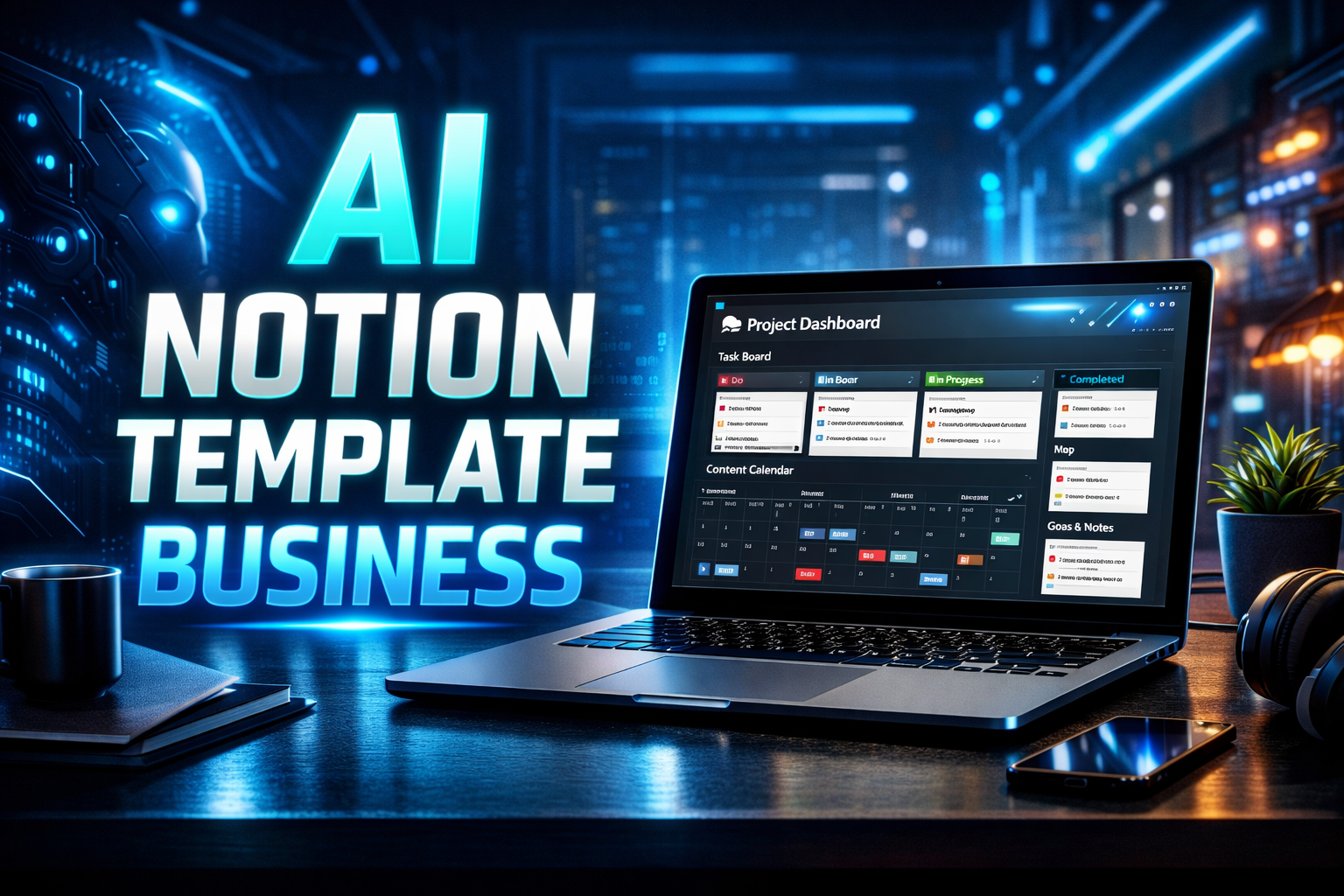
In 2026, one of the fastest-growing digital product niches is Notion templates. Many creators, freelancers, students, and businesses use Notion to organize projects, track goals, manage tasks, and run entire businesses. Because of this demand, selling Notion templates has become a profitable digital product model. When you combine Notion with AI tools, the process becomes much faster and beginner-friendly.
An AI powered Notion template business means using AI tools to plan, design, structure, and market Notion templates that solve real productivity problems. Instead of spending weeks brainstorming template ideas and layouts, AI can help generate systems, organize databases, suggest workflows, and even help you write product descriptions.
In this guide you will learn how beginners can start a Notion template business using AI tools from scratch. We will go step by step through niche selection, template creation, validation, selling platforms, income expectations, and scaling strategies.
What Is an AI Powered Notion Template Business?
A Notion template business means creating productivity systems inside Notion and selling them as downloadable templates. Customers can duplicate your template into their own workspace and start using it immediately.
Templates can include systems such as business dashboards, content planners, student study trackers, habit trackers, budget managers, freelance project trackers, and startup management dashboards.
AI helps you design these systems faster by generating ideas, organizing page structures, suggesting databases, and improving template documentation.
Instead of designing blindly, AI helps you build templates that actually solve problems.
Why Notion Templates Are Profitable in 2026
The popularity of Notion continues to grow because people want all-in-one productivity tools. Businesses use Notion for project management, content planning, and documentation. Students use it for studying and tracking assignments. Freelancers use it for client work management.
Because people prefer ready-made systems instead of building them from scratch, templates have real demand.
An AI powered workflow allows beginners to create high quality templates faster and test multiple ideas without large investment.
If your template solves a clear problem, people are willing to pay for convenience.
Step 1: Choose a Specific Notion Template Niche
The first step is choosing who your template is for. Avoid creating a generic “productivity template.” Specific templates sell better because they solve targeted problems.
For example, you can create templates for students managing coursework, freelancers tracking client projects, YouTubers managing content calendars, startup founders organizing business ideas, or creators tracking digital product launches.
Choosing a niche helps you create more focused features and makes marketing easier.
Step 2: Use AI to Generate Template Ideas
Open ChatGPT or another AI tool and ask it to suggest systems that your niche needs.
For example, if your niche is freelancers, you can ask the AI to suggest systems for tracking clients, managing invoices, planning projects, and organizing content.
AI will generate multiple ideas such as freelance CRM dashboards, project trackers, income tracking systems, or proposal managers.
From those ideas you can pick one strong concept and expand it into a full template.
This step saves time because instead of guessing, you can test multiple template concepts quickly.
Step 3: Design the Template Structure
Now open Notion and start designing the template structure.
Create the main dashboard first. This dashboard acts as the central page where users can navigate to different sections.
Then create connected databases such as task managers, project boards, notes sections, or trackers depending on your niche.
AI can also help here. You can ask it to generate database structures and productivity workflows. For example, it might suggest linking tasks to projects or creating filtered views for deadlines.
Keep the design simple and intuitive. The goal is to save users time, not overwhelm them with complexity.
Step 4: Add Instructions and AI Assisted Documentation
One mistake beginners make is selling templates without instructions. Many users are new to Notion and need guidance.
Use AI to help you write a simple guide explaining how to use your template. Explain what each section does and how users should update the data.
Clear documentation increases customer satisfaction and reduces confusion.
You can also include setup steps, recommended workflows, and tips for customizing the template.
Learning how AI tools work will help you write better prompts and get more accurate results from tools like Gemini.
Step 5: Package Your Notion Template Professionally
Once your template is ready, prepare it for selling.
Create a landing page or product listing with screenshots showing how the template works. Explain the problem it solves and who it is for.
Use AI writing tools to craft a clear product description that includes keywords related to productivity, Notion templates, and workflow systems.
High quality visuals and clear explanations improve conversion rates significantly.
Step 6: Choose Where to Sell Your Template
You can sell Notion templates through multiple platforms. Many beginners start with marketplaces because they already have buyers searching for templates.
Gumroad is one of the most popular platforms for digital creators. It allows you to sell templates easily and deliver instant downloads.
Another option is selling through your own website where you control branding and pricing.
You can also promote templates through social media content, productivity communities, and tutorials.
Realistic Income Expectations
In the beginning, most creators earn slowly while building visibility. One template might generate occasional sales.
However, once you build several templates targeting different niches, income can grow steadily.
Many creators start earning a few hundred dollars per month and eventually reach $1000 or more monthly after building a small product catalog and improving marketing.
The key is consistency and solving real productivity problems.
Beginner Action Plan
In your first week, research your niche and study successful templates already selling online.
In the second week, design your first template and test it yourself for usability.
In the third week, create a product listing with screenshots and clear description.
In the fourth week, launch your template and start collecting feedback from users.
This approach helps you improve quickly instead of trying to build everything perfectly from the start.
Common Beginner Mistakes
Many beginners build overly complex templates that confuse users. Simplicity usually wins because people want systems that save time.
Another mistake is ignoring niche targeting. Generic templates are harder to sell because they compete with thousands of similar products.
Some creators also skip user testing. Always use your template for a few days before selling it to make sure the workflow feels natural.
Finally, some beginners stop after one template. Building multiple related templates increases visibility and income potential.
Scaling Your Notion Template Business
Once your first template starts getting traction, you can expand your product catalog.
You can create advanced versions, niche-specific versions, or bundles that combine multiple templates.
For example, if you create a freelancer dashboard, you can later build a freelance client tracker, freelance finance tracker, and a content planning template.
Bundles often sell at higher prices and increase perceived value.
You can also build an email list of customers and release updates or new templates regularly.
Over time this turns into a sustainable digital product business.
Conclusion
Starting an AI powered Notion template business is one of the most beginner-friendly digital product models in 2026.
With the help of AI tools, you can brainstorm ideas faster, design better productivity systems, and market templates more effectively.
Focus on solving a specific problem for a defined audience. Keep templates simple and easy to use. Improve based on feedback and build a catalog of useful systems.
A single template may start small, but multiple high quality templates can turn into a reliable online income stream.
Start with one template, refine it, and keep building.
best AI tools to make money online
FAQ’S
A Notion template business involves creating productivity systems inside Notion and selling them as reusable templates for individuals or businesses.
No coding is required. Notion allows you to create templates using simple database tools and page layouts.
Yes, AI tools can generate system ideas, workflow structures, and documentation that improve the quality of your templates.
Templates can be sold on platforms like Gumroad or through your own website.
Income varies depending on product quality and marketing, but many creators earn consistent monthly income by selling multiple templates.
If you want to learn more about AI tools and online earning, visit our homepage for step-by-step guides.